Book a migration call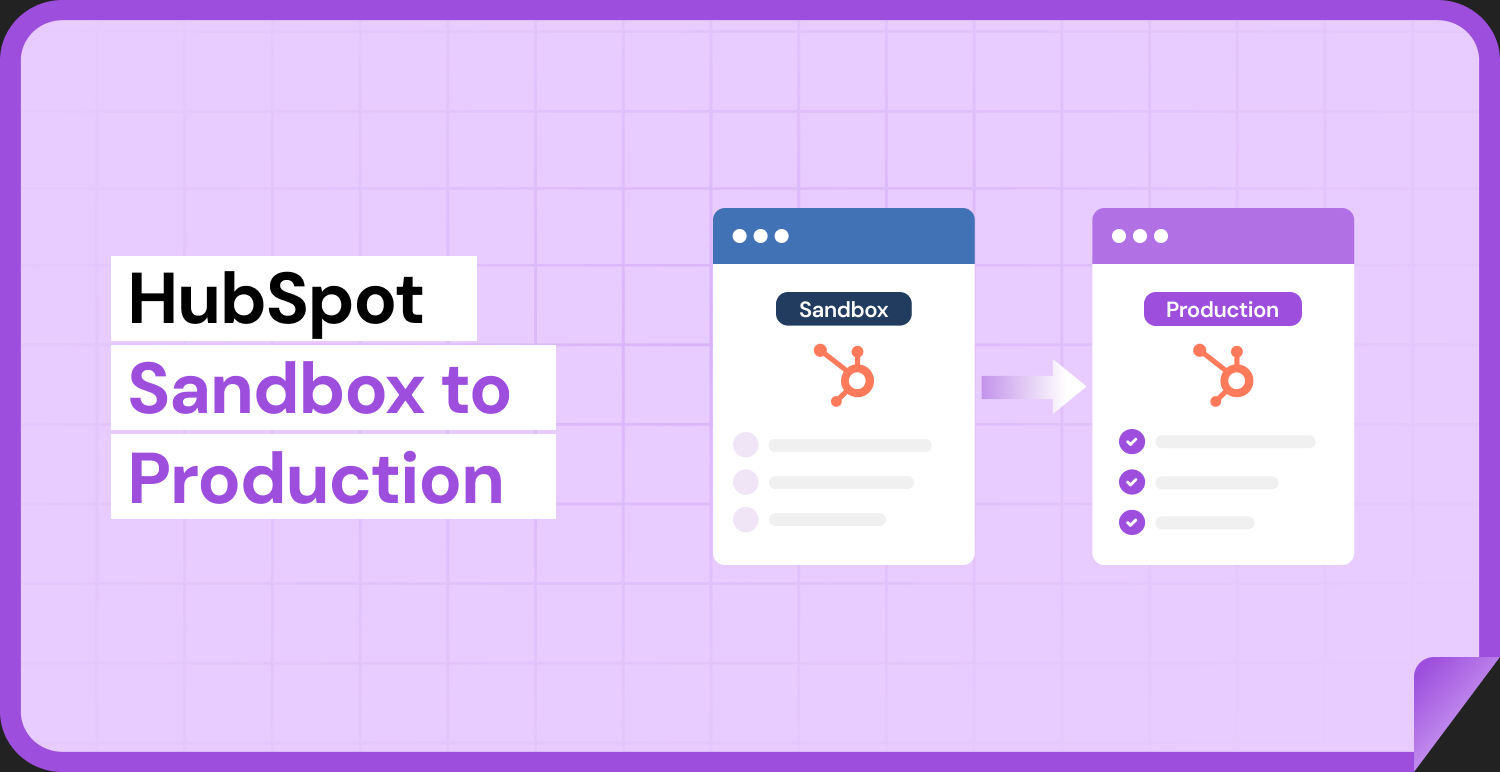

You built the whole thing clean in the sandbox. Properties named exactly right, four pipelines with matched stages, twenty workflows tested and firing, association labels in place. The client signed off. Then you opened the production portal and realized HubSpot gives you no supported way to ship any of it. So you did what every agency does: you rebuilt it by hand. And three weeks later the client emailed asking why their lead rotation workflow isn’t enrolling anyone.
That gap, between what you build in a sandbox and what you can actually deploy to a live portal, is the single most expensive and least-discussed problem in HubSpot onboarding delivery. This guide is about closing it. We’ll walk through why HubSpot’s native tooling doesn’t solve hubspot sandbox to production deployment, exactly what breaks when you rebuild config manually, the correct deployment order, and how Suprdense CONFIG turns a two-day rebuild into a twelve-minute push.
Why HubSpot’s Native Sandbox Sync Doesn’t Solve Deployment
Here’s the thing most agencies discover the hard way: HubSpot’s sandbox sync only runs in one direction. When you spin up a standard sandbox, HubSpot copies your production configuration into the sandbox. That’s it. There is no supported “promote to production” path that pushes what you built back the other way.[1]
This makes sense from HubSpot’s side. Sandboxes exist so you can test against a copy of live config without touching the real thing. But it means the sandbox solves the safety problem while leaving the shipping problem entirely unsolved. Everything you build fresh in the sandbox, new properties, new pipelines, new workflows, has to be recreated by hand in the client’s live portal.
Worth naming precisely: standard sandboxes are an Enterprise-tier feature.[2] Developer sandboxes and CRM development sandboxes exist for building and testing app integrations, but they support a different and narrower set of assets. Because of these limits, plenty of agencies don’t build in a true sandbox at all. They build in a second production-equivalent portal, or even directly in a scoped area of the client’s live instance. That changes the deployment problem slightly, but it doesn’t remove it. You still end up moving structural config from one portal to another, and HubSpot still gives you no native mechanism to do it.
So the real question isn’t “which sandbox should I use.” It’s “how do I get everything I built into production without hand-rebuilding it and introducing errors.” That’s where the failure modes start.
The Five Things That Break When You Rebuild Config by Hand
Manual recreation isn’t just slow. It’s error-prone in specific, predictable ways. After 120-plus migrations and onboardings,[3] I can tell you exactly what goes wrong.
1. Internal property name drift. This is the quiet killer. When you recreate a property manually in production, HubSpot auto-generates the internal name from the label. Type the label slightly differently, or worse, have a property that partially exists already, and HubSpot generates a new internal name. The label reads “Lead Source” and looks perfect. But the internal name is now lead_source_1 instead of lead_source. Every integration, import mapping, API call, and workflow reference that expected the sandbox internal name silently fails. Nothing throws an error. The data just stops flowing.
2. Dependency ordering failures. A single workflow might enroll contacts based on a custom property, set a deal to a stage in a custom pipeline, and rotate ownership across a team. That workflow cannot exist until the property, the pipeline and its stages, and the users all exist first. Rebuild in the wrong sequence and the workflow imports half-configured: dropped conditions, empty stage actions, unassigned rotation. Again, no error is thrown. The workflow saves. It just doesn’t do what you designed it to do.
3. Orphaned property groups. Properties belong to property groups, and that grouping is what gives the record layout the structure you were paid to design. Recreate a property manually and forget to assign its group, and it scatters into “Contact information” or “Other.” Cosmetically messy, sure, but it also breaks the field organization on the record and the client’s ability to find what they need.
4. Dropped association labels. Custom association labels, “Decision Maker,” “Billing Contact,” “Primary Vendor,” are separate configuration from the association itself. Admins routinely forget they exist as their own asset. Rebuild the association and the labels don’t come with it, so the relationship structure the client uses to segment and report quietly disappears.
5. Silent asset loss at scale. A mid-size Sales Hub setup carries a lot of surface area: 40 to 80 custom properties across several property groups, 3 to 5 pipelines with 6 to 8 stages each, 15 to 30 workflows, plus templates and modules.[3] Recreate all of that by hand and the math guarantees something gets missed. It usually surfaces weeks later as “why isn’t this automation firing?”, long after the project is closed and you’re onto the next client.
The common thread across all five: the failure is silent. HubSpot doesn’t warn you. You find out when the client does.
The Right Deployment Order (and Why It’s Non-Negotiable)
If you’re deploying config by hand, and until you have a tool that resolves this for you, you will be, the order is not optional. Assets have dependencies, and building them out of sequence is what produces the half-wired workflows above.
Here’s the sequence that works:
1. Properties first. Nothing references a property that doesn’t exist yet. Build every custom property before anything that depends on it: workflows, reports, forms, list criteria. Verify each internal name as you go.
2. Property groups. Assign properties to their groups as you create them, or immediately after. Don’t leave this for cleanup later. That’s how properties get orphaned.
3. Pipelines and their stages. Deal-stage and ticket-stage actions in workflows point to specific stage IDs. Those stages have to exist before any workflow can reference them. Build the full pipeline structure, every stage, in order, before touching automation.
4. Users and permissions. Ownership rotation, assignment actions, and permission-scoped views all depend on the right users existing with the right access. Set these up before the workflows that assign to them.
5. Workflows. Only now, with properties, groups, pipelines, stages, and users all in place, can a workflow import fully configured. Every enrollment trigger has a real property to point at, every stage action has a real stage ID, every rotation has real users.
6. Templates and modules. Email templates, snippets, and custom modules come last because they lean on the properties and structure beneath them.
Skip ahead anywhere in this chain and the dependent asset lands broken. Build a workflow before its enrollment property exists, and the condition drops. Set a deal-stage action before the pipeline exists, and the action saves empty. The sequence exists because HubSpot’s data model has real dependencies, and respecting them is the only way manual recreation works at all.
A Pre-Deployment Checklist Before Anything Touches Production
Whether you deploy manually or with tooling, you should verify these in the sandbox before anything moves to the live portal. Getting this wrong in production is a support ticket. Getting it wrong in the sandbox is a two-minute fix.
- Internal property names. Confirm the actual internal name of every custom property, not the label. This is the value your integrations and API calls depend on.
- Property group assignments. Every custom property should sit in its intended group, not “Other.” Check the record layout, not just the property settings.
- Workflow enrollment logic. Walk each workflow’s enrollment triggers and confirm they reference the correct properties and values. Re-verify that any deal-stage or ticket-stage action points to the right stage.
- Association labels. List every custom association label you created and confirm it’s documented as a separate asset to carry over.
- Permission sets. Confirm which users need which access, and which workflows and views depend on those permissions being in place.
Treat this checklist as the source of truth for what “done in sandbox” actually means. If it’s not on this list and verified, it’s not ready to deploy.
One-Click Deployment with Suprdense CONFIG
The manual process above works. It’s just slow and fragile. A moderately complex Sales Hub module takes an experienced HubSpot admin 1.5 to 2 full days to recreate manually and QA.[3] Across a 20-client-per-year agency, that’s roughly 6 to 8 admin weeks a year spent purely on recreation.[3] That’s the hidden cost: margin eaten by work that produces nothing new.
Suprdense CONFIG exists to remove that cost. Its one-click hub deployment pushes a fully configured Sales, Marketing, or Service Hub module, properties, property groups, pipelines, deal stages, workflows, templates, modules, and user permissions, from your sandbox or template portal into the client’s production instance in a single action. The two-day rebuild becomes a twelve-minute push.
Two capabilities do the heavy lifting here, and they map directly to the failure modes above.
Dependency-aware deployment ordering. CONFIG resolves the build order for you: properties before workflows, pipelines and stages before deal-stage actions, users before ownership rotations. That’s the entire deployment sequence from the previous section, handled automatically. Workflows land fully configured instead of half-wired, because everything they depend on is already in place when they deploy.
Internal name preservation. CONFIG carries the original internal property names across to production. The lead_source in your sandbox stays lead_source in the live portal, not lead_source_1. Every integration, import mapping, and API reference that expects the sandbox name keeps working. This is the direct antidote to name drift, which is the failure most likely to bite you weeks after go-live.
Concretely: take that mid-size Sales Hub with 60 custom properties across 5 groups, 4 pipelines at 7 stages each, and 22 workflows. Manual recreation is two days and a real chance of silent errors. With CONFIG, it’s one deployment, with internal names preserved and dependencies resolved in order.
Building Reusable Hub Templates for Repeatable Agency Delivery
The bigger structural problem for agencies isn’t any single deployment. It’s that delivery time and error rate scale linearly with client count. Every new client means rebuilding the same “starter” Sales, Marketing, or Service Hub config from scratch, because there’s no template, no version, no reuse.
This is where Suprdense CONFIG’s reusable module templates change the economics. Build your agency’s standard hub configuration once, your opinionated set of properties, your pipeline structure, your baseline workflows, then deploy that same template to every new client. Delivery time stops scaling linearly with headcount.
Run the margin math. If manual recreation costs 6 to 8 admin weeks a year at a 20-client volume,[3] and template-based deployment collapses each build from two days to minutes, you’re recovering most of those weeks. For an agency running 10 to 50 onboardings a year, that’s the difference between hiring another admin and taking on more clients with the team you have.
It also standardizes quality. When every client gets the same tested template, “works in sandbox, broken in production” stops being a category of problem, because you’re deploying a known-good configuration, not reassembling it from memory each time.
Config vs. Data: Where Deployment Ends and Migration Begins
One boundary matters, and I want to be precise about it because blurring it leads to scoping mistakes.
Suprdense CONFIG deploys structure, not records. Properties, property groups, pipelines, stages, workflows, templates, modules, permissions. That’s the configuration layer. It’s the container your client’s data lives in.
Moving the actual contacts, companies, deals, tickets, and activity history is a different problem entirely. That’s data migration, and that’s SuprSwitch’s job, with real-time record validation, association integrity, and ownership transfer. Config and data are separate problems that need separate tools, and treating them as one is how migration projects go sideways.
The clean sequence for a full onboarding: deploy the configuration with CONFIG first, so the structure exists and internal names are correct, then migrate the data with SuprSwitch into that structure. Structure first, records second. Scope them as two distinct workstreams and both go smoothly.
Conclusion
HubSpot gives you sandboxes to build safely, but it gives you almost nothing to ship what you built. That gap is where dependency errors, internal name drift, orphaned groups, and dropped association labels get introduced. And because every one of those failures is silent, you find out about them weeks later, from the client, after the project’s closed.
Manual recreation is the hidden cost. Two days per hub, 6 to 8 admin weeks a year at scale,[3] quality that depends on whether your admin remembered every asset. That’s not a workflow problem. It’s a margin and capacity problem, and it’s the reason agency delivery time scales linearly with client count.
Suprdense CONFIG attacks it directly: one-click hub deployment with dependency-aware ordering and internal name preservation, plus reusable templates so you build your standard config once and deploy it everywhere. Get the structure right with CONFIG, hand the data to SuprSwitch, and your hubspot sandbox to production deployment stops being the part of onboarding you dread.
Frequently Asked Questions
01 Can I push assets from a HubSpot sandbox back to production natively?
No. HubSpot’s sandbox sync is one-directional. It copies production config into the sandbox at creation, but there’s no supported “promote to production” path.[1] Everything you build in the sandbox has to be moved into production separately, either manually (in the correct dependency order) or with a deployment tool like Suprdense CONFIG that handles the push and the ordering for you.
02 What happens to my integrations if internal property names change during rebuild?
They break silently. When you recreate a property manually and HubSpot generates a different internal name, lead_source_1 instead of lead_source, every API call, import mapping, and workflow reference that expected the original name stops working. No error is thrown. The data just stops flowing. CONFIG’s internal name preservation carries the original names across so those references keep working.
03 Do I need an Enterprise subscription to use a sandbox?
Standard sandboxes are an Enterprise-tier feature.[2] Developer and CRM development sandboxes exist for app and integration testing but support a narrower set of assets. Many agencies build in a second production-equivalent portal instead of a true sandbox, which is fine, but it doesn’t change the deployment problem. You still need a reliable way to move structural config into the client’s live portal.
04 Does deploying config also move my contacts, deals, and activity history?
No. Suprdense CONFIG deploys structure: properties, pipelines, workflows, permissions, not records. Moving actual contacts, deals, and activity history is data migration, which is SuprSwitch’s job. Deploy the configuration first, then migrate the data into it.
05 Will workflows deploy fully configured, or do I still have to reconnect properties and stages?
With CONFIG’s dependency-aware deployment ordering, workflows deploy fully configured. Because properties, property groups, pipelines, stages, and users are all deployed before the workflows that reference them, each workflow lands with its enrollment triggers, stage actions, and ownership rotations intact, not half-wired the way manual out-of-order recreation leaves them.
References
- HubSpot Knowledge Base, “Create and manage sandbox accounts,” documentation on standard sandbox sync direction and supported behaviors.
- HubSpot Products and Services Catalog, sandbox account availability by subscription tier (standard sandboxes as an Enterprise feature).
- Suprdense internal benchmarking across 120-plus agency onboarding and migration projects, covering manual Sales Hub recreation timelines, typical asset counts (properties, pipelines, stages, workflows) for mid-size configurations, and annual admin-time cost at volume.
Manual migrations cost more than engineer hours.
Skip the QA cycles, data cleanup, and errors found weeks after go-live. SuprSwitch runs the full migration in 3-4 days, validated record by record.