Book a migration call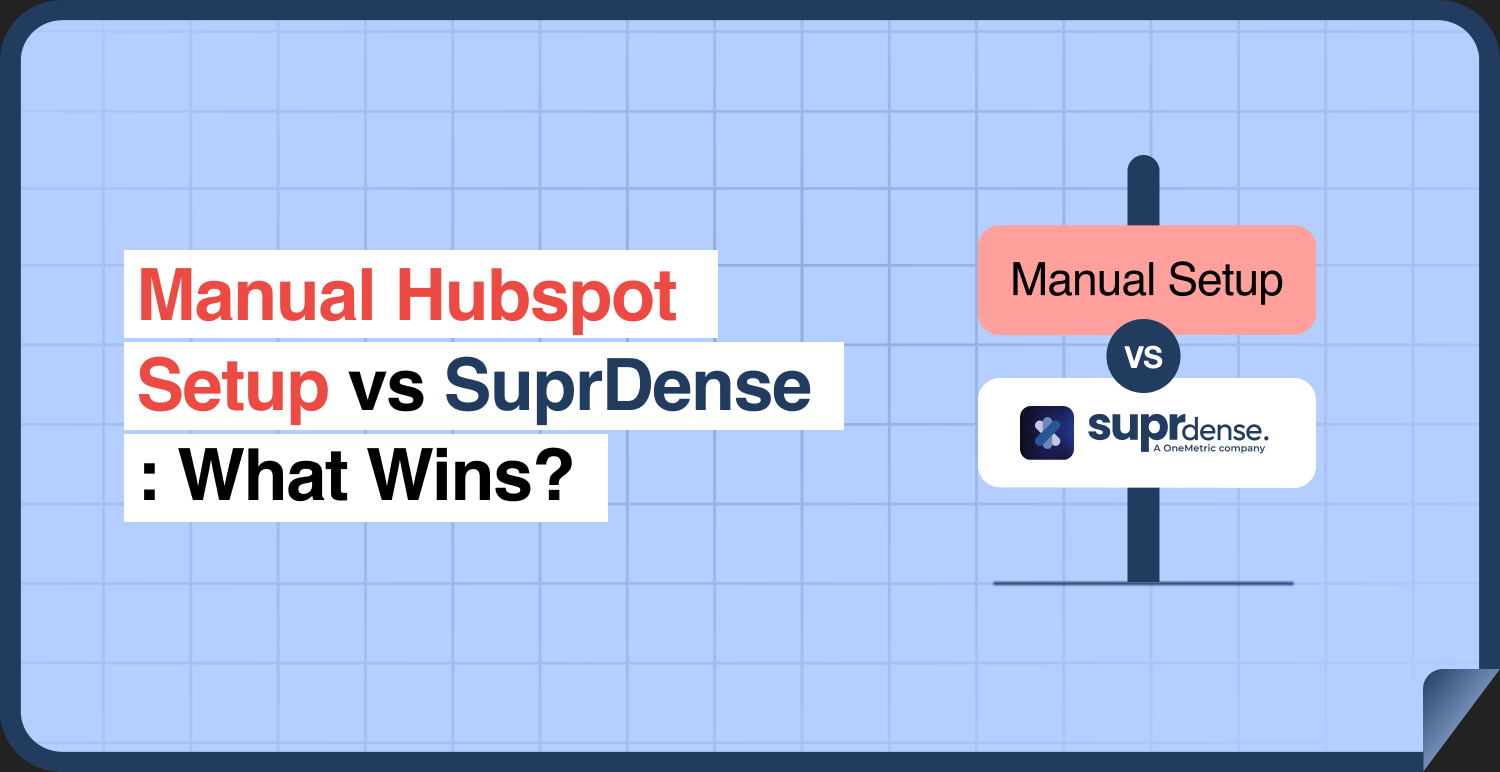

The problem with manual HubSpot setup isn’t that it’s slow, though it is. The real problem is that it’s inconsistent. When you build ten HubSpot instances by hand, you get ten different builds. Different property naming conventions. Different deal stage logic. Different workflow enrollment triggers. And every one of those differences becomes a support headache, a QA burden, and a knowledge-transfer problem the moment the admin who built it goes on vacation. I’ve watched this play out across more than 120 implementations. The first build is fine. The tenth build is a snowflake nobody remembers how to fix. That’s the real story of Suprdense vs manual HubSpot setup. It’s not that clicking is slow, it’s that clicking differently every time kills your margin and your ability to scale.
Let me break down what actually differs, where the time and errors hide, and what Suprdense CONFIG does and doesn’t do.
What “manual HubSpot setup” actually involves
Before comparing anything, let’s be honest about what a manual hub build really is. Configuring a single Sales Hub from scratch is not one task. It’s a sequence of 150 to 300 discrete configuration touchpoints,[1] each one a decision or a data-entry action that can go wrong.
You’re creating properties and organizing them into property groups. You’re setting field types, required flags, and default values. You’re building pipelines and defining deal stages, including the stage probabilities that reps and forecasting depend on. You’re constructing workflows with the right enrollment triggers, delays, and branch logic. Then you’re assigning user permissions so the right people see the right objects.
Do that properly and QA it against a spec document, and a full Sales Hub configuration is realistically 1.5 to 2 days of skilled admin work.[2] Not because any single step is hard, but because there are hundreds of them, and each one carries a small chance of a mistake.
Now multiply that across Marketing Hub and Service Hub, and across every client in your portfolio. That’s where the comparison stops being academic.
Where manual setup breaks down at scale
A single manual build is manageable. The problem is the tenth build looking nothing like the first.
This is configuration drift, and it’s the quiet tax on every scaling agency. When admin A names a property deal_source and admin B names it lead_source_original, and admin C uses Source (Deal), you now have three conventions across three clients. When a client calls with a workflow issue, whoever picks up the ticket has to reverse-engineer how that specific instance was built before they can fix anything.
The second failure mode is error reintroduction. Manual setup means re-doing the same 200-plus clicks per client. You don’t learn your way out of manual error, you just repeat it faster. Even at a modest 2% slip rate across 150 to 300 touchpoints, that’s 3 to 6 misconfigurations per client.[3] They don’t surface at launch. They surface three weeks later as “why isn’t this workflow firing?”
The most recognizable one: a deal pipeline whose stages don’t map to the client’s actual sales process, discovered only after reps start using it and deals pile up in the wrong stage. Now you’re migrating deal records between stages after go-live, cleanup work that never should have existed.
The third breakdown is capacity. Manual builds tie your onboarding throughput directly to admin headcount. Want to run more clients? Hire another admin. Your delivery cost scales linearly with your revenue, and that’s the ceiling every growing agency hits.
Time: 2 days vs 12 minutes, and where the time actually goes
Here’s the core of the Suprdense vs manual HubSpot setup comparison in numbers.
A manual Sales Hub build, QA’d properly, takes 1.5 to 2 days. A comparable pre-built module deployed with Suprdense CONFIG takes roughly 12 minutes.[2] That’s not a marketing figure. It’s the actual runtime of a one-click hub deployment pushing properties, property groups, pipelines, deal stages, workflows, and user permissions as a complete unit.
But the raw time gap undersells the real saving. Look at where the manual two days actually goes. Most of it isn’t creative work, it’s repetitive assembly. You’re not designing a new pipeline architecture from first principles each time. You’re re-building the same tested structure and re-typing the same values. The genuinely valuable work, deciding this client’s stage names, their specific workflow rules, their permission model, is maybe a few hours. The rest is click labor.
CONFIG collapses the click labor, not the judgment. You deploy the validated structure in minutes, then spend your time on the client-specific decisions that actually require an implementer.
Run the portfolio math and it gets stark. At 10 clients a year, manual Sales, Marketing, and Service Hub setup is easily 40 to 60 admin days a year just on configuration.[3] That’s roughly a quarter of a full-time admin spent on setup screens whose structure never changes, only the details do.
Consistency and error rate across a portfolio
Speed gets the headlines, but consistency is the deeper win. When your delivery methodology is a tested, pre-built module rather than a manual process repeated from memory, every client gets the same validated structure.
That does two things. First, it removes the architectural QA surface. In a manual build, you QA the whole structure line by line against a spec: every property, every stage probability, every workflow trigger. With a pre-built module, the architecture is already validated. You’re only checking the client-specific values you tailored, not the entire build. That’s the majority of QA effort gone.
Second, it makes support and handoff sane. When every client’s Sales Hub follows the same structure, any admin on your team can open any instance and know where things live. The build stops being locked in one person’s head. New hires ramp faster because they’re learning one methodology, not ten one-off snowflakes.
This is the honest agency angle: repeatability is a productization lever. CONFIG lets you turn “our way of building HubSpot” into a deployable asset, a thing you ship, not a thing you re-explain to every new admin.
Sandbox to production without the rebuild
Here’s a gap manual setup almost always introduces. You build and test in a sandbox, prove it works, then rebuild in production by hand, or export and import in ways that break associations and workflow references.
The result: the config you tested and the config you shipped are never guaranteed to match. You validated one build and deployed a slightly different one, and every difference is an untested risk.
Suprdense CONFIG’s sandbox-to-production deployment closes that gap. The tested configuration is the deployed configuration. No manual rebuild, no divergence between what you QA’d and what the client gets. You’re not hoping production matches sandbox, you’re deploying the exact module you validated.
For technical buyers, that’s the difference between “we think it’s the same” and “it’s the same by definition.”
What Suprdense CONFIG does and what it doesn’t
I won’t oversell this. CONFIG deploys the structure and configuration of a hub, properties, property groups, pipelines, deal stages, workflows, and user permissions, as a complete, pre-configured module. That’s the repetitive build labor, and it’s gone.
What it doesn’t do is make client-specific decisions for you. Exact stage naming, business-rule nuances, and the client’s actual data still need review and tailoring. A client with a five-stage enterprise sales cycle and a client with a two-stage transactional motion need different stage logic, and deciding that is an implementer’s job.
So no, Suprdense CONFIG does not replace your HubSpot admin. It removes the 200 repetitive clicks so your admin spends their time on judgment, not assembly. The tool makes competent implementers faster and more consistent. It doesn’t make implementation skill unnecessary. Anyone who tells you otherwise hasn’t run a real onboarding.
The agency margin case
Put the whole comparison together and the margin math writes itself. Manual setup ties delivery cost to headcount. Every new client is another chunk of admin days. Configuration drift adds a support and QA tax that compounds as your portfolio grows. And knowledge locked in individuals makes your delivery fragile.
CONFIG breaks the linear link between revenue and delivery cost. You standardize once, deploy repeatedly, and reclaim the 40 to 60 admin days a year that manual configuration eats.[3] That’s capacity you can point at more clients, or at the high-value strategic work clients actually pay premium rates for.
Conclusion
The real difference in Suprdense vs manual HubSpot setup isn’t a stopwatch. Yes, 12 minutes beats two days, and that alone pays for itself across a portfolio. But the durable win is consistency: the same validated structure deployed the same way, every time, so your builds stop being ten unmaintainable snowflakes.
Manual setup guarantees drift, reintroduced errors, and a delivery ceiling tied to headcount. Suprdense CONFIG’s one-click hub deployment and sandbox-to-production deployment turn your configuration methodology into a repeatable asset, without pretending the tool eliminates the need for a skilled implementer. It doesn’t. It just stops that implementer from clicking through the same 200 screens per client.
If you’re running HubSpot onboardings at any real volume, the question isn’t whether manual setup works. It’s what it’s costing you in drift, QA, and capacity you can’t get back. Run the math, then watch a module deploy, and decide from evidence rather than habit.
Frequently Asked Questions
01 What is the difference between Suprdense CONFIG and manual HubSpot setup?
Manual HubSpot setup requires admins to create properties, pipelines, deal stages, workflows, and permissions individually. Suprdense CONFIG deploys pre-built configuration modules, helping agencies reduce repetitive work, improve consistency, and standardize implementation across client portals.
02 How much faster is Suprdense CONFIG than manual HubSpot setup?
class=”yoast-text-mark”>class=”yoast-text-mark”>class=”yoast-text-mark”>data-pm-slice=”1 1 []”>According to the article, a manually configured Sales Hub takes approximately 1.5 to 2 days of skilled admin work, while a comparable pre-built module can be deployed using SuprConfig in 12 minutes.
Client-specific customization and validation may require additional time.
03 How does Suprdense CONFIG help prevent HubSpot configuration drift?
class=”yoast-text-mark”>class=”yoast-text-mark”>class=”yoast-text-mark”>data-pm-slice=”1 1 []”>Suprdense CONFIG uses tested, reusable configuration modules to establish a consistent structure across client portals. This helps reduce differences in property naming, pipeline stages, workflow triggers, and permissions that can arise when admins build each instance manually.
04 Can Suprdense CONFIG deploy HubSpot configurations from sandbox to production?
class=”yoast-text-mark”>class=”yoast-text-mark”>class=”yoast-text-mark”>data-pm-slice=”1 1 []”>Yes. Suprdense CONFIG supports sandbox-to-production deployment, allowing agencies to deploy tested configurations without manually rebuilding each component in production. This helps reduce differences between the configuration tested in the sandbox and the one deployed live.
05 Does Suprdense CONFIG replace HubSpot admins?
class=”yoast-text-mark”>class=”yoast-text-mark”>class=”yoast-text-mark”>data-pm-slice=”1 1 []”>Suprdense CONFIG automates repetitive configuration deployment, but skilled HubSpot admins are still needed to make client-specific decisions, tailor pipeline stages, define business rules, test workflows, and validate the implementation. The tool reduces manual assembly rather than replacing implementation expertise.
References
- HubSpot Knowledge Base, “Set up your properties, pipelines, and workflows,” HubSpot, 2024.
- HubSpot Solutions Partner Program, “Onboarding delivery benchmarks for agency implementers,” HubSpot, 2023.
- RevOps Co-op, “The hidden cost of manual CRM configuration across a client portfolio,” 2023.
Manual migrations cost more than engineer hours.
Skip the QA cycles, data cleanup, and errors found weeks after go-live. SuprSwitch runs the full migration in 3-4 days, validated record by record.