Book a migration call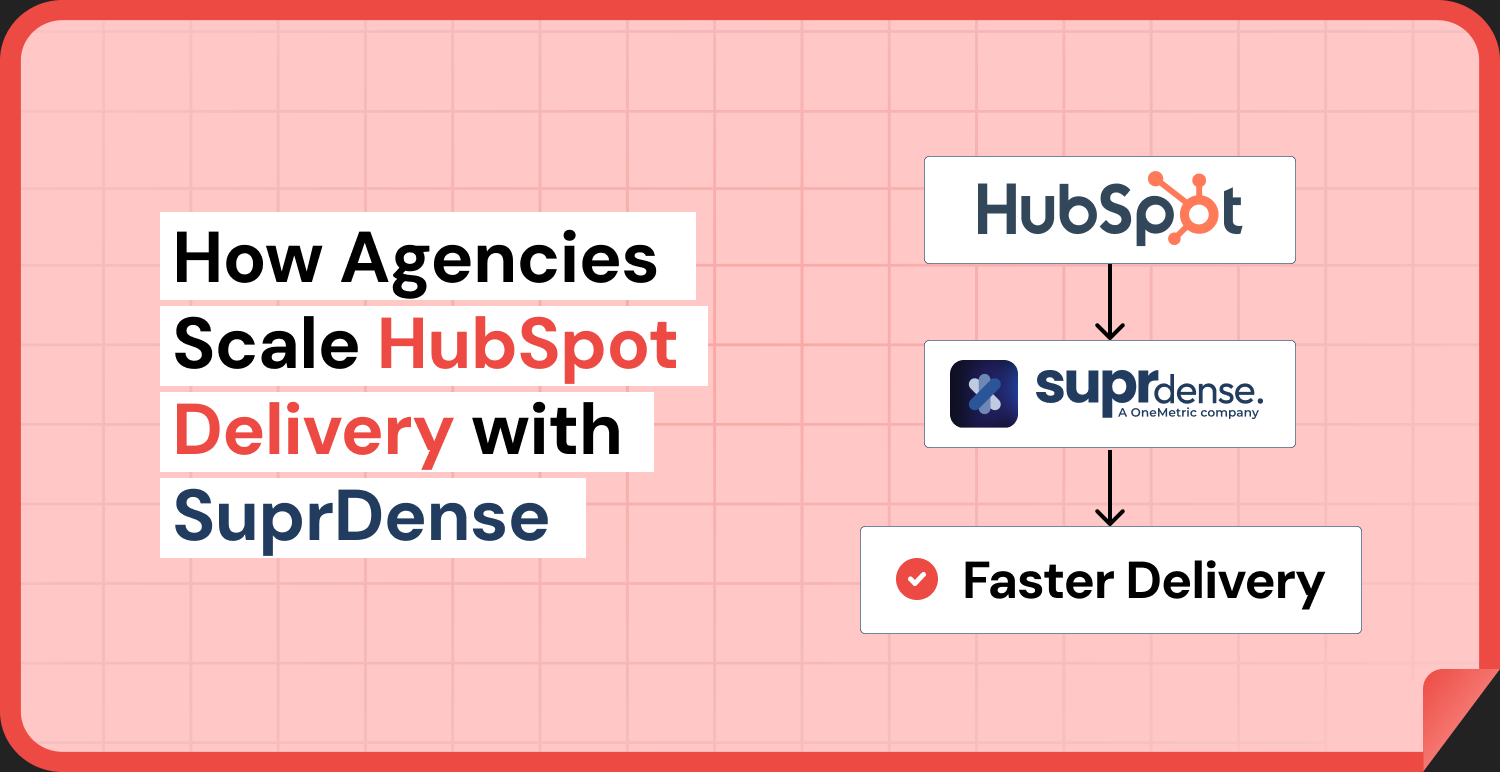

Here’s the uncomfortable truth about running a HubSpot onboarding practice. You’re not losing margin on strategy. You’re losing it on configuration you’ve already built forty times. HubSpot configuration automation helps agencies reduce this repetitive work by standardizing properties, pipelines, deal stages, workflows, and permissions across client portals.
Every new client kicks off the same routine: recreate 40 to 80 custom properties by hand, rebuild the same three pipelines with the same deal stages, wire up the same MQL-to-SQL handoff workflow, set the same permissions. It isn’t hard work. It’s just slow and repetitive, and it eats the hours you should spend on the parts of the engagement that actually set you apart.
The agencies that scale past 20 concurrent onboardings figured out something the rest haven’t. You don’t fix a configuration bottleneck by hiring another admin. You fix it by turning configuration into a repeatable asset instead of a manual rebuild. That’s the core argument of this piece, and it’s the reason Suprdense CONFIG exists. If you run a Suprdense HubSpot agency workflow, the goal isn’t to work faster by hand. It’s to stop doing the repeatable 80% by hand at all.
Where agency margin actually leaks: the 80% you rebuild every time
Ask a partner agency where their delivery hours go and they’ll tell you about discovery calls, process design, and stakeholder alignment. That’s the visible work. The invisible work, the work nobody scopes accurately, is the manual hub configuration that happens after the strategy is signed off.
A standard Sales Hub build runs about 1.5 to 2 days of admin time when done by hand[1]. That covers custom properties across contacts, companies, and deals, two or three pipelines with stages and probabilities, deal-based workflows, lead rotation, and permission structures. None of it is intellectually difficult. All of it is manual clicking in the HubSpot UI, and all of it is easy to get subtly wrong.
Now here’s the part that should bother you. Across most B2B onboardings, roughly 70 to 80% of that base configuration is identical from client to client[2]. Lifecycle stage logic, lead status properties, the standard deal pipeline scaffolding, the MQL/SQL handoff: you rebuild the same structure over and over, and only the final 20% is genuinely client-specific.
So the margin leak isn’t strategy. It’s the fact that your most repeatable work is also your most manual work. You’re paying admin salaries to retype the same property definitions across a dozen portals a year.
Why manual hub setup doesn’t scale past a certain client count
When configuration is manual, your throughput ceiling is set by admin capacity, not sales capacity. If setup takes two days per client, a single admin can only clear so many onboardings before the queue backs up. The only lever you have is hiring.
Every new admin you hire to relieve that pressure adds a new variable: quality. When setup lives in a senior admin’s head or a Google Doc labeled “standard build,” delivery quality depends on who got assigned. Your best admin produces a clean, correctly labeled instance. Your newest hire produces one with a mislabeled property group, a missing required field, and a workflow that’s only half wired. Same “standard build,” wildly different output.
Do the math on a growing portfolio. An agency running 30 onboardings a year at two days of setup each burns roughly 60 admin-days purely on configuration[3]. That’s about a quarter of a full-time admin’s working year spent on work that’s 80% repeatable. You don’t solve that with headcount. It’s a standardization problem, and headcount actively makes the quality side worse.
How HubSpot Configuration Automation Works with Suprdense CONFIG
This is the core of how a Suprdense HubSpot agency operation works differently. Instead of treating your standard build as tribal knowledge that gets re-executed by hand every time, you build it once as a standardized module template and deploy it.
With Suprdense CONFIG’s one-click hub deployment, you ship a fully configured Sales, Marketing, or Service Hub module to a client portal in a single action. That includes properties, property groups, pipelines, deal stages with their probabilities, workflows, and permissions. What took an admin two days by hand takes roughly 12 minutes[4].
With HubSpot configuration automation, agencies can deploy standardized modules across client portals instead of manually rebuilding the same setup for every onboarding.
The mechanism matters more than the time savings. When you encode your gold-standard configuration into a reusable template, quality stops depending on which admin got assigned. The junior operator running the deployment produces the exact same output as your senior admin, because they’re deploying the same template, not rebuilding from memory. You’ve converted a person-dependent process into an enforced, repeatable one.
That’s the real unlock. You’re not making manual work faster. You’re removing the manual work from the repeatable 80% entirely, so the two days per client collapses to minutes, and your throughput ceiling stops being tied to admin headcount.
Killing sandbox-to-production drift
Every experienced HubSpot admin has been burned by this one. You build and test the configuration in a sandbox, everything works, and the client signs off. Then you hand-copy the config to production, and something gets missed.
The classic failure: a workflow tested in sandbox references a property that got renamed during the production build. The trigger no longer matches. The workflow silently fails to enroll records. Three weeks after go-live, the client discovers their lead rotation never fired, and now you’re spending hours diagnosing a problem that was born entirely from manual hand-copying.
That’s not a rare edge case. Property group names drift. Deal stage probabilities get transposed. Enrollment triggers reference the sandbox version of a field. The client’s live instance never quite matches what was tested, and the gaps are silent. They don’t throw an error, they just don’t work.
Suprdense CONFIG’s sandbox-to-production deployment moves the tested configuration to production as a single unit. There’s no manual re-keying step where a renamed property or a mismatched trigger can slip through. What you tested is what deploys. That eliminates the entire category of trust-eroding, hours-to-diagnose failures that come from hand-copying config across environments.
HubSpot configuration automation also reduces manual rebuilding between sandbox and production, helping agencies maintain consistency between tested and live configurations.
Managing 15+ client portals from one workspace
An agency running 15 active onboardings has 15 separate HubSpot portals, each managed in isolation. There’s no single view of what’s been deployed where, which client is on which version of your standard build, or what still needs configuring. You find out by logging into each portal individually and checking, which is exactly the kind of manual overhead that doesn’t scale.
Suprdense CONFIG’s multi-client workspace management gives you deployment visibility across every client portal from one place. You can see what module version each client is running, what’s been deployed, and what’s outstanding, without logging into fifteen accounts one at a time.
Combined with multi-client workspace management, HubSpot configuration automation helps agencies track deployments and manage standardized configurations as their client portfolio grows.
This matters most when you update your standard build. When you improve your gold-standard Sales Hub template, say you refine the lead scoring workflow, you need to know which clients are on the old version and which have the update. Multi-client visibility turns that from a spreadsheet-tracking exercise into something you can actually see.
Modularity: deploy exactly the hub the client bought
Not every client buys every hub. A client on Sales Hub only doesn’t need Marketing Hub scaffolding dragged into their portal, and a Service Hub client doesn’t need deal pipelines they’ll never use.
Suprdense CONFIG’s hub modularity lets Sales, Marketing, and Service Hub modules deploy independently. You configure exactly what the client purchased without importing unused structure that clutters their instance and confuses their team. It keeps the deployed portal clean and matched to the actual engagement scope.
What CONFIG doesn’t do and why that’s the point
Let me be precise about the boundary, because overselling this would undermine the whole argument. Suprdense CONFIG standardizes and deploys the repeatable configuration. It does not do the client-specific 20%: their unique pipeline nuances, custom object needs, or bespoke workflow logic that doesn’t fit any template.
And that’s exactly the design intent. CONFIG removes the 80% that’s identical across every client so your admins spend their time on the 20% that actually needs a human. The custom deal stage a manufacturing client needs, the industry-specific lifecycle logic, the integration-dependent workflow: that’s real work that deserves a skilled operator’s attention.
The problem was never that skilled configuration work exists. The problem was that your skilled people were spending 80% of their setup time on scaffolding a template could handle. CONFIG doesn’t replace your admins. It stops wasting them on repetition so they can do the work that justifies your rates.
The math: what standardized deployment does to your delivery capacity
Run the numbers on the 30-onboardings-a-year agency again. At two days of manual configuration each, that’s 60 admin-days a year spent on setup. Cut the repeatable 80% down to a sub-30-minute deployment and you reclaim the vast majority of those 60 days[3].
What do you do with that reclaimed capacity? Two options. You take on more clients without hiring, because your throughput ceiling is no longer pinned to admin headcount. Or you redirect those hours into the client-specific 20% and higher-value strategic work, which raises the quality of every engagement and improves your onboarding satisfaction scores.
There’s also a compounding effect most agencies miss. Compressing configuration from two days to minutes compresses time-to-first-value for the client. Onboarding satisfaction scores track how fast a client sees their working instance, not how many hours you spent behind the scenes[5]. Faster deployment isn’t just an internal efficiency win. It’s a client experience win that shows up in retention.
Conclusion
The agencies that scale HubSpot delivery aren’t the ones with the biggest admin teams. They’re the ones who stopped treating configuration as manual work and started treating it as a repeatable asset. When 80% of every build is identical, rebuilding it by hand for every client isn’t diligence. It’s a margin leak with a headcount ceiling attached. HubSpot configuration automation helps eliminate repetitive setup, reduce manual effort, and create a more scalable onboarding process.
A Suprdense HubSpot agency workflow flips the model. You build your gold-standard configuration once, deploy it in minutes with Suprdense CONFIG’s one-click hub deployment, eliminate sandbox-to-production drift by deploying config as a unit, and manage every client portal from a single workspace. The repeatable 80% stops consuming your team, and your admins spend their hours on the client-specific 20% that justifies your rates.
The result isn’t magic and it isn’t effortless. Migrations and onboardings are still real work. But when configuration drops from two days to twelve minutes, your throughput stops being pinned to how many admins you can hire, and starts being driven by how many clients you can win. That’s the difference between an agency that scales and one that just gets busier.
Frequently Asked Questions
01 What is HubSpot configuration automation?
HubSpot configuration automation streamlines repetitive setup tasks, including custom properties, pipelines, deal stages, workflows, and permissions. Agencies can use reusable templates to standardize configurations and reduce manual work across client portals.
02 How does Suprdense CONFIG automate HubSpot configuration for agencies?
Suprdense CONFIG enables one-click deployment of standardized Sales Hub, Marketing Hub, and Service Hub modules. It helps agencies reuse configurations across client portals instead of rebuilding the same setup manually for every onboarding.
03 How much time can HubSpot configuration automation save?
According to the article, a standard HubSpot configuration that takes around 1.5 to 2 days of manual work can be deployed in approximately 12 minutes using Suprdense CONFIG. Actual onboarding time still depends on client-specific requirements and customization.
04 Can Suprdense CONFIG deploy HubSpot configurations from sandbox to production?
Yes. Suprdense CONFIG supports sandbox-to-production deployment, allowing agencies to move tested configurations into production without manually recreating each component. This helps reduce configuration drift and errors caused by manual rebuilding.
05 How can HubSpot agencies manage configurations across multiple client portals?
Agencies can use Suprdense CONFIG’s multi-client workspace management to view deployed modules, track configuration versions, and identify outstanding deployments across client portals. This improves visibility and makes standardized configuration management easier as the agency grows.
References
- HubSpot Solutions Partner Program, “Onboarding Delivery Benchmarks for Sales Hub Implementation,” HubSpot, 2023.
- RevOps Co-op, “State of CRM Implementation: Configuration Reuse Across B2B Onboardings,” 2023.
- HubSpot Partner Agency Operations Survey, “Admin Time Allocation in Onboarding Delivery,” 2024.
- Suprdense CONFIG internal deployment benchmarks, “Sales Hub Module Deployment Timing,” 2024.
- HubSpot Research, “Time-to-Value and Its Correlation With Onboarding Satisfaction Scores,” 2023.
Manual migrations cost more than engineer hours.
Skip the QA cycles, data cleanup, and errors found weeks after go-live. SuprSwitch runs the full migration in 3-4 days, validated record by record.