
 Book a migration call
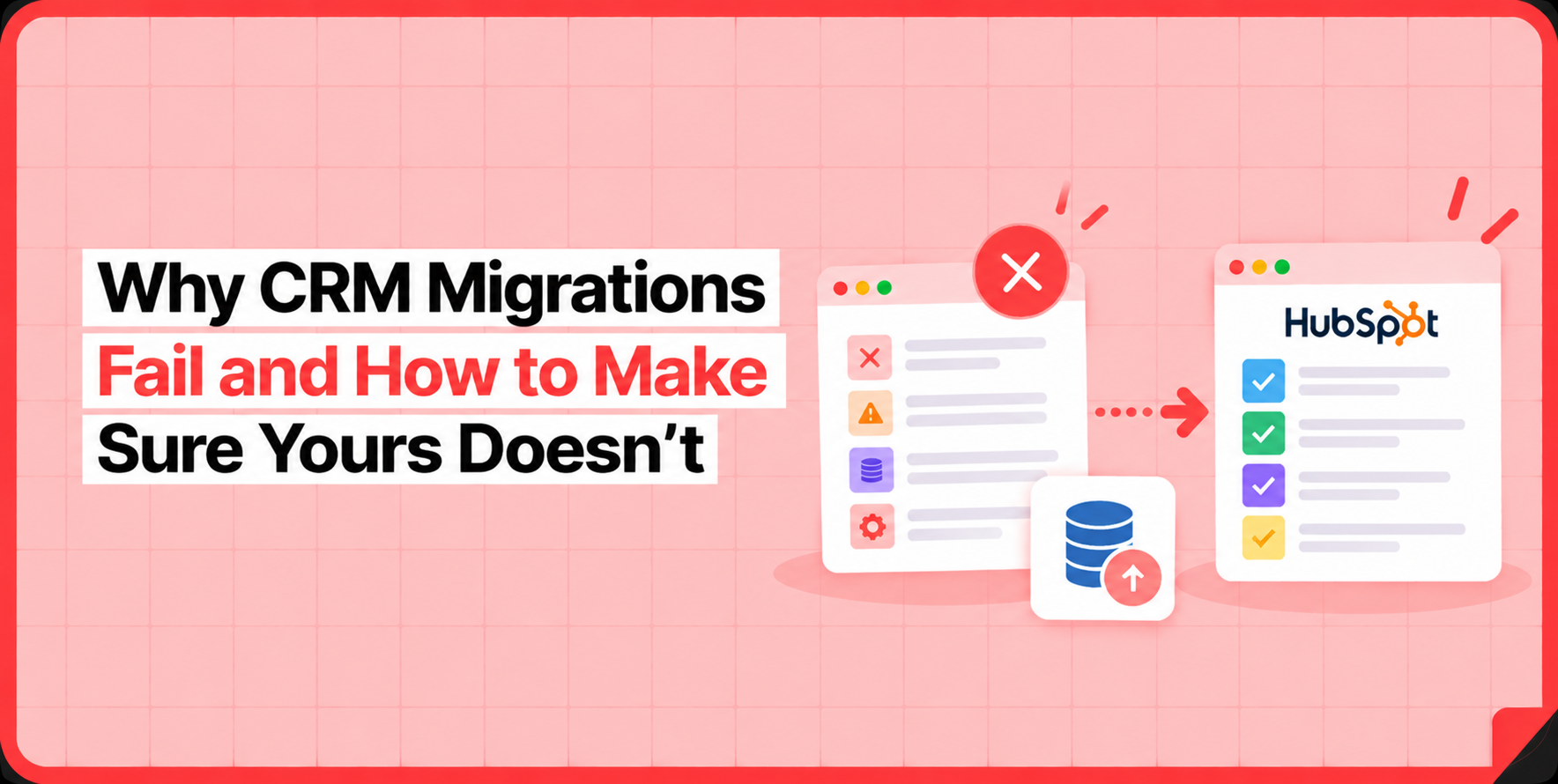

Most CRM migration failures don’t show up on migration day. They show up three weeks later. A rep opens a contact record and asks where two years of call notes went. Or a sales manager runs a pipeline report and finds that 15% of open deals have no owner. By then the migration is “done,” the source CRM is switched off, and you’re rebuilding relational integrity by hand in production.
Here’s what I’ve learned across 120-plus migrations: the failures are almost never caused by data volume.[1] A 400,000-record Salesforce org with 12 custom objects and 80 active workflows is not inherently harder to migrate than a 40,000-record Pipedrive account. The complexity lives in the mapping logic and association rules, not the record count. Migrations fail because the discovery and validation work happens after records move, when it should happen before. That’s the whole problem, and it’s fixable.
The Real Reason CRM Migration Failures Run Long (It’s Not Data Volume)
When a migration drags on for three to six weeks, ask what actually consumed the time. It’s almost never the data transfer. Moving 400,000 records through an API is fast. What blows up the timeline is rework: manual field mapping done record-type by record-type, broken associations discovered halfway through, and the post-migration cleanup that follows every one of those late discoveries.[2]
The manual approach front-loads none of this. You map a few objects, run a batch, notice something broke, stop, remap, and re-run. Each cycle costs days. And because you’re testing against live production data, every mistake is a mistake you have to clean up in the customer’s real HubSpot portal.
The fix isn’t more careful manual mapping. It’s moving the discovery work to the front. SuprSwitch runs migrations as a four-phase, 3 to 4 day process so that every predictable failure mode gets surfaced before the full dataset touches production. Phase 1 is Schema Analysis. SuprSwitch scans the source CRM and identifies every custom field, record count, and data quality issue on Day 1, including duplicates, broken associations, and empty required fields. Nothing moves yet. You’re finding the problems while there’s still time to design around them.
Let me walk through the four failure modes I see most often, and exactly where each one gets caught.
Failure Mode #1: Broken Associations and Orphaned Records
This is the most common and the most damaging. In your source CRM, a Contact is linked to a Company, a Deal is linked to that Contact, and activities hang off the Deal. That web of relationships is what made the CRM usable. When a migration treats records as flat lists instead of connected objects, the web disappears.
The result: Contacts land in HubSpot with no linked Company. Deals arrive with no associated Contact. Activities attach to nothing. Your team logs in, sees the records exist, and assumes the migration worked. Then someone tries to actually use a deal record and finds it’s an island.
This happens because association chains weren’t treated as first-class objects during mapping. You can’t import Contacts and Companies separately and hope HubSpot reconnects them. The relationship has to be preserved as an explicit rule.
SuprSwitch handles this with association integrity mapping, which preserves 1:1 relationships between objects. The association rules are defined in Phase 2, Mapping Logic, where the transformation layer maps every source relationship to the HubSpot data model. Then those chains get validated on a real sample in Phase 3, Pilot Validation, before the full run. If a Deal-to-Contact link breaks on the sample, you fix it in the mapping layer, not in production after 400,000 records have already landed.
Failure Mode #2: The Activity History That Quietly Disappears
This one is dangerous because it’s silent. Salesforce stores activities as two separate objects: Tasks and Events. HubSpot has one unified Activities model that covers calls, meetings, emails, and notes. If your migration doesn’t reconcile that structural mismatch, it drops data on the floor. No error fires, because from the tool’s perspective nothing failed.
Here’s what that looks like in practice. Three years of call logs and meeting history don’t carry over. Nobody notices at go-live because nobody audits historical activity on day one. Then a rep preparing for a renewal call goes looking for the notes from last year’s QBR and they’re gone. Now you’re explaining to a customer-facing team why their institutional memory evaporated.
Object-type mismatches like Tasks and Events mapping to Activities have to be caught in Schema Analysis on Day 1, when SuprSwitch scans the source and flags exactly these structural differences. The split is then resolved in the transformation layer during Mapping Logic, where the two source objects are mapped into HubSpot’s single Activities model with the correct activity types preserved. Because it’s handled in Phase 1 and Phase 2, it’s designed, not discovered. The pilot run in Phase 3 confirms the activity history formats correctly against real records before anything commits.
Failure Mode #3: Ownership Gaps from Users Who Already Left
Every CRM that’s been live for four or more years has this problem. Reps leave, get deactivated, and the records they owned stay in the system. In a mature org, deactivated users typically own 10 to 20% of records.[3] That’s not an edge case. That’s a fifth of your pipeline.
When a migration doesn’t account for this, those records map to null owners on import. Suddenly a chunk of your pipeline has no owner. Routing rules break because they key off ownership. Reports that segment by owner are wrong from day one. And someone has to manually reassign tens of thousands of records, the kind of cleanup that turns a “finished” migration into two more weeks of work.
The fix is to decide the ownership logic before the run, not after. SuprSwitch’s ownership transfer engine handles deactivated-user gaps in Phase 2, before any record moves. You define the transfer rules, whether that’s reassigning to a manager, routing to a queue, or mapping to a named “unassigned” owner, as part of the mapping layer. When the full execution runs, there’s no null-owner pipeline waiting for you at go-live. The problem was solved on Day 2.
Failure Mode #4: How 40,000 Contacts Become 52,000
Duplicate explosion is a math problem disguised as a data problem. Your source CRM has records that were “close enough” duplicates: the same person entered twice with slightly different emails, or a company logged under two spellings. Those were tolerable in the source system. On import, if the migration matches on the wrong key or no key at all, they don’t just carry over. They multiply.
I’ve watched a 40,000-contact database land in HubSpot as 52,000 records. Once that happens, every downstream count is corrupted: list sizes, campaign reach, deal-per-contact ratios, all of it. And deduplicating in production after the fact is far harder than preventing it in the first place, because now you have to figure out which of two records holds the real activity history and associations.
Prevention comes down to match-key logic and validating it before you commit. SuprSwitch flags duplicate records during Schema Analysis on Day 1, and the deduplication approach, which field is the match key and how near-duplicates get resolved, is set in Mapping Logic. Critically, the dedup logic gets tested on the representative sample during Pilot Validation. You see whether 1,000 sample records come through clean before you run all 40,000. If the match key is wrong, you find out on the pilot, not in a corrupted production count.
Why Silent CRM Migration Failures Are the Most Expensive Kind
Every failure mode above shares one trait when it happens in a manual migration: it fails silently. A record doesn’t transfer, an association drops, an activity goes missing, and no flag fires. The team confirms go-live based on a spot-check that happened to hit the records that worked. The gaps surface weeks later as support tickets and “why is this contact missing?” questions.
That’s the most expensive possible time to discover a failure. The source CRM may already be switched off. The team is already working in HubSpot. And you’re now doing forensic reconstruction instead of a clean re-run.
The answer is validation that happens during transfer, not after. SuprSwitch’s real-time record validation checks every record as it moves. If a contact doesn’t appear in HubSpot within the expected window, it flags the failure immediately rather than letting you find it in a support ticket. And when a record does fail, the retry mechanism re-attempts it automatically without restarting the entire job. On a 400,000-record migration, that distinction matters: one failed record doesn’t cost you a full re-run, and it doesn’t slip through unnoticed either.
The 4-Phase Migration That Catches Failures Before Go-Live
Put the pieces together and you get a process built around one principle: do the discovery and validation before live data moves. That’s what compresses a 3 to 6 week manual migration into 3 to 4 days. It’s not a faster transfer engine, it’s the elimination of rework.
Phase 1 Schema Analysis (Day 1). SuprSwitch scans the source CRM database and identifies custom fields, record counts, property types, and data quality issues: duplicates, broken associations, and empty required fields. Nothing moves. You now know every problem before committing to a date.
Phase 2 Mapping Logic (Day 2). The transformation layer maps legacy objects to the HubSpot data model. Custom properties get created, association rules get defined, object-type mismatches get resolved (like Salesforce Leads, which have no HubSpot equivalent), and ownership transfer logic gets set for deactivated users. Every decision is made before the first record moves.
Phase 3 Pilot Validation (Day 2–3). A representative sample migrates to HubSpot to validate relational integrity, activity history formatting, field-level truncation, and association chains. Anything wrong gets fixed in the mapping layer, not after the full run.
Phase 4 Final Execution (Day 3–4). The full dataset runs through the migration engine with real-time record validation on every record. After migration, every record is validated before go-live is confirmed. Because SuprSwitch uses a no-storage architecture, your customer data is never held on SuprSwitch servers at any point in those four days. It moves from source to HubSpot without being retained, which is the answer most IT leads scoping data-handling risk are actually asking for.
Notice what’s different about this ordering. In a manual migration, you discover the Salesforce Leads problem, the ownership gaps, and the Tasks/Events split during or after the transfer, each one a stop-and-restart. Here, all of it surfaces on Day 1 and Day 2, against no live data. The full run in Phase 4 is boring by design, because every failure mode was already caught.
Conclusion
Every CRM migration failure I’ve described, broken associations, disappearing activity history, ownership gaps, duplicate explosion, and silent record failures, is predictable. None of them are surprises to anyone who has run migrations. They fail the same way every time, for the same reason: the work of finding them happens after records move instead of before.
That’s the whole argument. You don’t prevent these failures with more careful manual mapping or a bigger cleanup budget. You prevent them by front-loading the discovery: scanning the schema on Day 1, defining every mapping and association rule on Day 2, and validating a real sample before the full dataset ever touches production. When you do that, the final execution becomes the least eventful part of the project, which is exactly how it should be.
If you’re scoping a migration and you’ve been burned before, start with the cheapest, lowest-risk step: let SuprSwitch scan your source CRM and tell you what’s actually in there. You’ll know your duplicate count, your broken associations, and your ownership gaps before you commit to a single date. That knowledge, more than any transfer speed, is what separates a clean migration from a three-week cleanup.
References
- Gartner, “CRM Implementation and Data Migration Trends,” 2023 findings on migration complexity drivers, showing schema and relationship mapping as the primary cost factor over raw record volume.
- Validity, “The State of CRM Data Management,” 2023 analysis of migration timelines and post-migration data remediation costs across B2B CRM implementations.
- Salesforce Admin Best Practices, “Managing Inactive Users and Record Ownership,” Salesforce Help Documentation, 2023 guidance on deactivated-user record ownership in long-running CRM orgs.
Manual migrations cost more than engineer hours.
Skip the QA cycles, data cleanup, and errors found weeks after go-live. SuprSwitch runs the full migration in 3-4 days, validated record by record.