
 Book a migration call
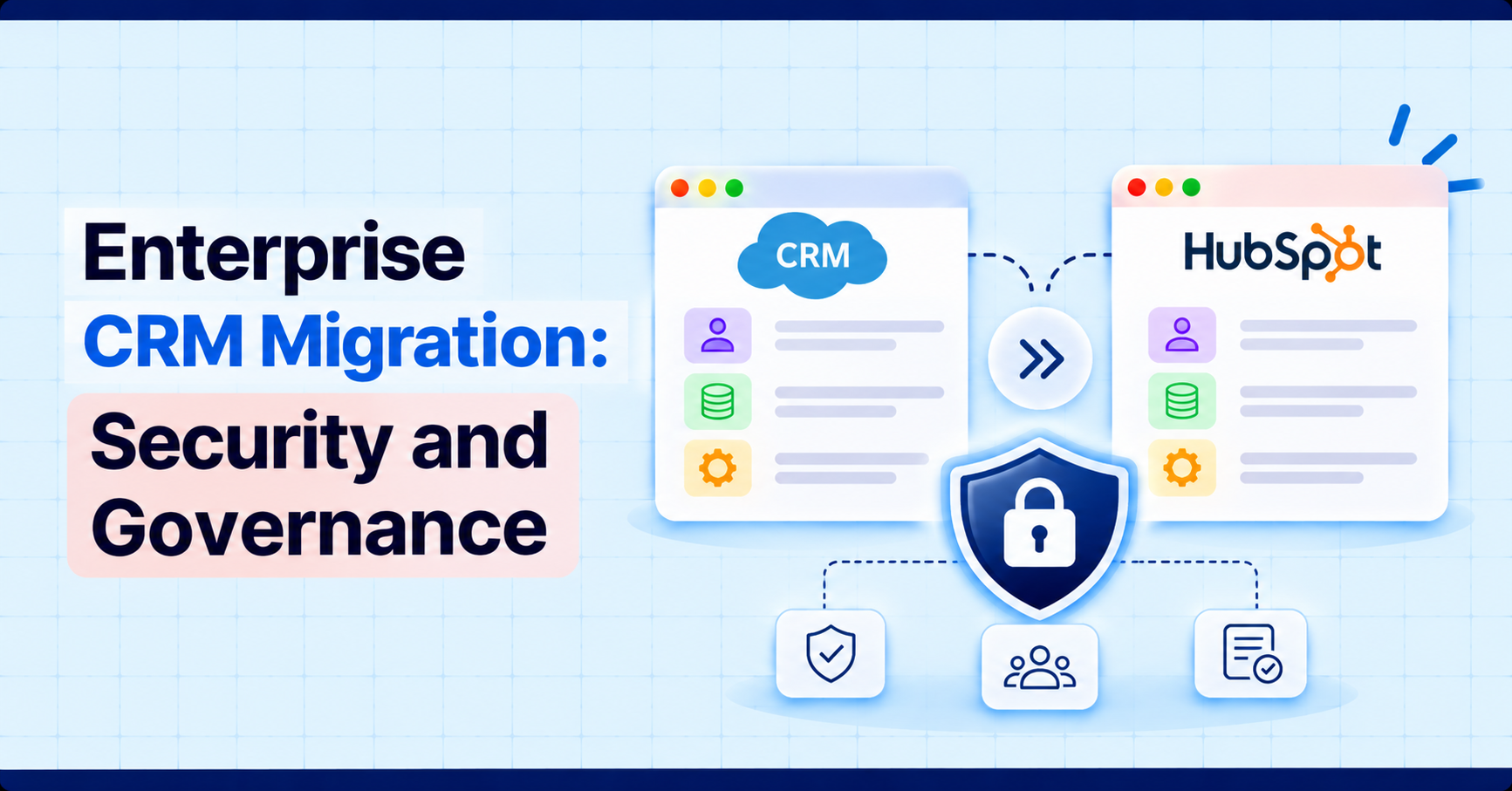

A small team can migrate a CRM by asking one person to do it carefully. An enterprise cannot. Several departments own parts of the data, regulations apply to some of it, dozens of systems read from it, and a mistake during cutover reaches many people at once. The technical transfer is often the smaller part of the project. The larger part is deciding who is allowed to decide, what must be protected, and how anyone will later prove that it was done properly.
This guide covers the governance, security, and ownership questions that an enterprise CRM migration has to answer before data moves, and ends with a readiness checklist you can use to test your own plan. Along the way, it shows where SuprSwitch, SuprDense’s CRM data migration platform, supports those controls.
Why Enterprise CRM Migrations Need Additional Governance
Governance means a written answer to four questions: who decides, who can see the data, what is recorded, and what happens when something goes wrong. In a small migration these answers sit in one person’s head. In an enterprise they have to be written down, because the people who decide are not the people who do the work, and because a regulator, an auditor, or a new team lead may ask months later.
Enterprise migrations also differ in the number of moving parts. There are usually several source systems or business units, custom objects and automations built over years, integrations with finance, support, and marketing systems, and legal duties attached to customer data. Each of these adds a stakeholder with a veto. Without a governance structure, those vetoes appear late, during testing or on the day of cutover, when they are most expensive.
Establish Data Owners and Decision Rights
Every data domain needs a named owner who can approve or reject decisions about it. A domain is a group of records with a business meaning, such as accounts and contacts, opportunities and pricing, support history, or marketing consent. The owner is accountable for what is kept, how it is cleaned, and whether the migrated result is acceptable. The migration team can advise, but it should not own those calls.
Write the decision rights down. A simple table is enough.
| Role | Decides | Does not decide |
|---|---|---|
| Executive sponsor | Scope, budget, cutover date, final go or no-go | Field-level mapping |
| Data owner (per domain) | What is kept or archived, merge rules, acceptance of results | Technical method |
| Security and compliance lead | Data classification, access rules, vendor and tool approval | Business priority |
| System owner (HubSpot admin) | Properties, permissions, pipelines, platform configuration | Whether data is retained |
| Migration lead | Sequence, tooling, defect triage | Business rules on the data |
| Integration owners | Cutover of each connected system | CRM data rules |
Decide in advance how disputes are settled and how fast. Two owners disagreeing about which of two duplicate accounts is correct is normal. A project that has no rule for settling it will stall.
Classify Sensitive and Business-Critical Data
Not all CRM data carries the same risk. Classify it before you decide how to handle it. A workable scheme has three or four levels, for example public or low risk, internal, confidential, and restricted. Typical examples of restricted data in a CRM are personal identification numbers, financial details, health information, contract terms, and notes that contain private conversations.
Classify by column and by record type, then record the result next to your field mapping so that each property carries its handling rule with it. Also identify business-critical data, which is not necessarily sensitive but would be costly to lose or corrupt: open deals, renewal dates, pricing, and customer hierarchies.
SuprSwitch’s Schema Analysis phase gives you the starting list for this work. It scans the source CRM and surfaces every custom field, record count, and property type, so each column can be classified before any data moves.
Classification has a direct effect on the HubSpot side. HubSpot lets Super Admins mark custom properties as Sensitive Data or Highly Sensitive Data, which adds a layer of encryption and restricts where the values can be used, and it requires an Enterprise subscription to configure. Properties marked this way are also unavailable in sandboxes, so a test in a sandbox will not exercise them. By default, HubSpot encrypts data in transit and at rest, so the extra setting is for data that needs more than the default. Decide which properties need it before the data is loaded, not after.
Plan Access Controls and Data Handling
A migration creates a copy of your data in places it does not normally live: export files, working spreadsheets, a mapping environment, the migration tool, and the destination. Each is an access point to control. Plan access for the people and for the data.
- People: Give migration staff the minimum access for the minimum time. In HubSpot, permissions are set per user and cover actions such as import, export, and approving exports of others. Limit who can export records during and after the project, and remove temporary access at cutover.
- Tools: HubSpot Smart Transfer is available only to Super Admins, so the number of Super Admins is itself a control. A Super Admin can also use many other settings, so keep the group small.
- Files: Treat extracts as production data. Store them in an approved location, encrypt them, restrict who can open them, and delete them on a set date. Write that date down.
- Vendors: If a third party touches personal data, you need a contract. Article 28 of the GDPR[1] requires that processing by a processor be governed by a contract that, among other things, has the processor delete or return personal data at the end of the services. Article 32[1] requires appropriate technical and organisational measures, including encryption where appropriate and regular testing of those measures.
Ask every vendor, including any CRM data migration platform you consider, the same questions: where is the data processed, who can access it, how long is it kept, and how is it deleted at the end. A good answer is specific. A vague answer is a finding.
For SuprSwitch, SuprDense’s answers are specific. Its no-storage architecture means data moves directly from the source CRM to HubSpot and is never held on SuprSwitch servers, and on SuprDense’s Salesforce to HubSpot migrations the OAuth tokens used for access are revoked after each migration. Confirm these points in your data processing terms, as you would with any vendor.
Map Integrations and Downstream Systems
In an enterprise, the CRM is rarely a standalone tool. ERP, billing, support, data warehouse, marketing automation, and single sign-on all connect to it. A migration that ignores them leaves systems pointing at a CRM nobody is updating.
Build an inventory of every connection: what system, what direction, what data, how often, who owns it, and what breaks if it stops. Then decide for each whether it is rebuilt against HubSpot, replaced, or retired. Pay attention to record identifiers. Record IDs in the destination will not match the source, so any system that stores the old ID needs a mapping, and a custom property that holds the source ID is worth creating for that reason alone.
The same goes for the source system’s own integrations. HubSpot notes that its Smart Transfer tool is designed for a one-time migration, and that if you keep using Salesforce alongside HubSpot you should use the HubSpot-Salesforce integration instead, because running both would create duplicate records. If your project is a Salesforce to HubSpot migration with a period of coexistence, that choice has to be made in the plan, not found out in production.
Set Validation and Audit Requirements
Decide before the migration what evidence you will need afterwards. Three kinds matter.
- Reconciliation evidence: Record counts per object in the source and the destination, with every difference explained, plus value-level samples and totals that were checked and who signed them off.
- Change evidence: A record of who did what during the project. HubSpot’s audit logs record user actions in the account, are available to Super Admins, and can be exported. The log in the interface covers only a recent period and records actions by HubSpot users, not changes made by other means such as form submissions, so export what you need on a regular schedule and keep your own project log for the rest. Enterprise accounts can filter by more categories than Starter and Professional accounts.
- Decision evidence: Meeting notes, approvals, and exceptions. When someone asks why a field was dropped, this is the answer.
Part of the change evidence can come from the migration itself. SuprSwitch’s real-time record validation flags any record that does not appear in HubSpot within the expected window, and its status screen shows the records migrated so far. On SuprDense’s consolidation project for Salted Stone, validation and difference reports were archived as CSV files, which gives the audit trail a fixed record of what moved.
Also decide what a failed validation means. Set thresholds in advance, such as the share of records that may fail or the totals that must match, and who can approve an exception. Agreeing on the rule before the numbers arrive prevents arguing about it afterwards.
Coordinate Teams and Migration Waves
A single big-bang cutover is rarely the right choice for an enterprise. Waves reduce risk. You can move one business unit, region, or product line first, learn from it, and adjust. Choose the first wave to be representative but forgiving: a team that is willing to give detailed feedback and whose data is not the most critical.
A sandbox helps here. HubSpot offers standard sandboxes on Enterprise subscriptions. A sandbox copies supported assets from production when it is created, and you can include a set of recently updated contacts and their associated records. Record IDs differ between sandbox and production, integrations are not connected automatically, and workflow enrollment in a sandbox is capped, so treat it as a place to test configuration and mapping, not as a full rehearsal of volume. A full-volume rehearsal needs its own plan.
Configuration also has to reach production intact. Suprdense CONFIG’s sandbox-to-production deployment moves a validated configuration as a single unit, so the properties, pipelines, and workflows approved in the sandbox are the ones that go live. For data, SuprSwitch’s Pilot Validation runs a representative sample first, which suits a first wave you want to learn from.
Run each wave to the same script: freeze or define a change window for the source data, migrate, reconcile, review with the data owners, and then release to users. Publish the calendar, the contacts, and the escalation path early. Enterprise projects fail more often from people not knowing what happens on Monday than from technical errors.
Manage Cutover and Contingency Plans
Plan cutover as a sequence with times and owners, not as an event. It should cover when the source goes read-only, how changes made during the window are captured, when integrations are switched, when users get access, and who signs off at each step.
Changes made during the cutover window are where records often go missing. SuprSwitch supports delta migration, which moves only the records created or changed since the main run. On the Salted Stone consolidation, a final delta run captured the Salesforce activities created after the first extraction.
Write the rollback plan before you need it, and be honest about what it can do. For the migration tool, understand what reversing a step does. HubSpot Smart Transfer can revert a transfer, which removes the settings it created, such as properties, pipelines, users, currencies, and workflows, and deletes the records it created. It cannot delete records that were synced through a standard sync connection. A rollback plan for the business also has to cover the days after go-live, when users have already made edits in the new system.
Define the conditions that trigger rollback and who can call it. Keep the source system available, read-only, for an agreed period after cutover, so that anyone who finds a discrepancy can check the original. Decide in advance when that source system will be retired and how its data will be archived.
If you use a CRM data migration platform, confirm how it supports these steps, including logging of what was moved and what failed, because that record becomes part of your evidence. SuprSwitch logs failures through real-time validation and re-runs failed records with its retry mechanism, without restarting the whole job.
Enterprise Migration Readiness Checklist
Use this checklist before you approve the start of each wave. Each line should have a named owner and a yes or no.
| Area | Question | Owner |
|---|---|---|
| Ownership | Does every data domain have a named owner with decision rights? | Sponsor |
| Ownership | Are dispute rules and response times agreed? | Sponsor |
| Classification | Is every column classified, and does the handling rule travel with the mapping? | Security lead |
| Classification | Are sensitive properties set up in HubSpot before data loads? | System owner |
| Access | Is migration access limited, time-bound, and approved? | Security lead |
| Access | Are export files stored securely, with a deletion date? | Migration lead |
| Vendors | Are data processing terms signed with every party that touches personal data? | Compliance |
| Integrations | Is every connection inventoried with an owner and a plan: rebuild, replace, or retire? | Integration owners |
| Validation | Are reconciliation thresholds and sign-off roles defined? | Data owners |
| Audit | Is the project log kept, and are platform logs exported on schedule? | System owner |
| Testing | Has the first wave been tested with realistic data, including awkward records? | Migration lead |
| Cutover | Is the cutover sequence written, with times, owners, and read-only source access? | Migration lead |
| Contingency | Are rollback triggers, owners, and limits written down? | Sponsor |
| Communication | Do users know the dates, what changes, and where to get help? | Change lead |
Conclusion
An enterprise CRM migration succeeds when the decisions are made before the data moves: who owns each domain, how each field is classified, who has access to what, which integrations depend on the CRM, what evidence you will need, and how you can step back if something fails. The technology is the easier part.
Start with owners and classification, build the checklist into your plan, and run the first wave as a real test. If you are weighing a Salesforce to HubSpot migration, or any other move into HubSpot, and want to talk through governance for your own situation, get in touch with SuprDense. If you want a migration that is validated record by record, try a sample migration with SuprSwitch.
References
[1] Regulation (EU) 2016/679 (General Data Protection Regulation), Article 28 (Processor) and Article 32 (Security of processing). https://eur-lex.europa.eu/eli/reg/2016/679/oj
Frequently Asked Questions
01 What makes an enterprise CRM migration different?
Scale and accountability. More teams own the data, more systems depend on it, regulations apply to parts of it, and the result has to be auditable. That calls for written ownership, classification, access rules, validation criteria, and a staged rollout, in addition to the technical transfer.
02 How should data ownership be assigned?
Assign by data domain, such as accounts, deals, support history, or marketing consent, and name one accountable owner for each. The owner approves what is kept, how duplicates are resolved, and whether the migrated result is acceptable. Write the decision rights down and agree how disputes are settled.
03 What security controls should be considered?
Classify data by sensitivity, limit and time-box access for migration staff, restrict exports, store and delete extract files on a schedule, and sign data processing terms with any vendor that handles personal data. In HubSpot, consider Sensitive Data properties on Enterprise, user permissions for import and export, and the small number of Super Admins who can run Smart Transfer. If you use SuprSwitch, its no-storage architecture means your CRM data is not held on SuprSwitch servers.
04 How do you manage integrations during an enterprise migration?
Inventory every connected system with its owner, direction, and data, then decide whether each is rebuilt, replaced, or retired. Account for the fact that record IDs change, keep a source ID in a custom property, and schedule each integration’s cutover as part of the migration sequence.
05 How can migration auditability be maintained?
Keep a project log of decisions and approvals, keep reconciliation results with sign-off, and export HubSpot audit logs on a regular schedule, since the in-product view covers only a recent period. Keep the error logs from each transfer and keep the source system read-only for an agreed period after go-live. SuprSwitch adds real-time validation and delta runs, which help you account for every record and every change made during cutover.
Manual migrations cost more than engineer hours.
Skip the QA cycles, data cleanup, and errors found weeks after go-live. SuprSwitch runs the full migration in 3-4 days, validated record by record.